

Fulfilling orders quickly and accurately while keeping customers happy can feel overwhelming, especially as your business grows. Mistakes in inventory counts, slow shipping, and missed emails can leave both your team and your customers frustrated. You need solutions that actually work – not more to-do lists or guesswork.
The good news is that practical automation strategies exist to take manual tasks off your plate and make every stage of the customer journey smoother. From the moment an order is placed to post-purchase engagement, modern automation tools help you save time, reduce errors, and personalize your customer experience.
Get ready to discover key automation techniques that will transform how you manage orders, communicate with customers, and make smarter business decisions. Each approach is designed to deliver clear, immediate wins for your team and your bottom line.
Table of Contents
- 1. Order Management Automation For Streamlined Fulfillment
- 2. Email Marketing Automation To Boost Engagement
- 3. Customer Journey Mapping For Personalized Experiences
- 4. Inventory And Product Automation For Efficiency
- 5. Loyalty And Upsell Automation To Drive Repeat Sales
- 6. Analytics Automation For Data-Driven Growth
Quick Summary
| Takeaway | Explanation |
|---|---|
| 1. Implement Order Management Automation | Connect orders directly to fulfillment systems to eliminate manual errors and reduce processing time. |
| 2. Utilize Email Marketing Automation | Send timely, personalized messages based on customer actions to enhance engagement and sales. |
| 3. Map Customer Journeys | Visualize customer interactions to uncover insights and enhance personalization efforts effectively. |
| 4. Automate Inventory Management | Use real-time tracking to prevent stock discrepancies and optimize replenishment processes. |
| 5. Leverage Analytics Automation | Automate data reporting and insights generation to inform strategic decisions quickly and accurately. |
1. Order Management Automation for Streamlined Fulfillment
Order management automation eliminates the chaos of manual processing by connecting your orders directly to your fulfillment operations. When orders flow automatically from your store to your warehouse systems, mistakes drop and speed increases dramatically.
Manual order processing costs time and invites errors at every step. Your team manually enters data, prints labels, updates inventory, and notifies customers about shipments. One typo becomes a misshipped package, a missed inventory update, or an unhappy customer.
Automation in fulfillment reduces processing time, improves accuracy, and gives customers real-time visibility into their orders.
Here’s what automated order management actually handles for you:
- Captures orders from all channels in real-time
- Routes orders intelligently to the right warehouse
- Updates inventory automatically across your system
- Generates shipping labels without manual entry
- Sends tracking information to customers instantly
- Flags exceptions and unusual patterns for review
Real-world impact: When you optimize your order fulfillment process, you reduce fulfillment time by hours per day. A brand processing 500 orders daily saves roughly 10-15 hours weekly just by removing manual data entry.
Your customers benefit too. They receive order confirmations immediately, tracking updates automatically, and delivery notifications proactively. No guessing. No delayed emails.
The fulfillment types matter here. Whether you operate an in-house warehouse, use dropshipping, or run a hybrid model, automation adapts to your structure. The core benefit remains constant: speed and accuracy improve while costs decrease.
Integrating automation with real-time inventory management means you never oversell, never guess at stock levels, and never ship items you don’t have. Your system knows exactly what you have, where it sits, and when it ships.
Pro tip: Start automation with your highest-volume SKUs first, then expand to your entire catalog once your team understands the workflow and sees the efficiency gains from early wins.
2. Email Marketing Automation to Boost Engagement
Email automation transforms how you communicate with customers by sending the right message at the right moment without lifting a finger. This is where your marketing shifts from broadcasting to genuinely connecting.
Manual email campaigns drain your team’s time and miss critical timing opportunities. You send a batch email and hope it resonates. Automation, on the other hand, responds to customer behavior instantly—someone abandons their cart, they get a recovery email within minutes; a customer makes a purchase, they receive a follow-up sequence automatically.
Effective email automation uses empathy to create personalized communication that boosts open rates and click-throughs by fostering genuine emotional connections with your audience.
The power comes from personalization that feels authentic, not robotic. Personalized email engagement creates experiences where customers feel understood. This goes beyond inserting their first name in the subject line.
Here’s what truly effective automation includes:
- Welcome sequences that introduce your brand story
- Abandoned cart recovery flows that address specific objections
- Post-purchase nurture campaigns that build loyalty
- Re-engagement campaigns for inactive subscribers
- Segmented flows based on customer behavior and preferences
- Dynamic content that changes based on purchase history
Segmentation matters tremendously. You wouldn’t send the same message to a first-time buyer and a repeat customer. Automation lets you create separate flows for different customer groups, ensuring each message feels relevant and timely.
Consider the customer journey your Klaviyo automation handles. Someone clicks an ad, lands on your site, browses products, maybe abandons items, and eventually purchases. Each touchpoint triggers a specific email without any manual intervention from your team. That’s efficiency and effectiveness combined.
The data supports this approach too. Automated sequences typically generate 3 to 5 times more revenue than broadcast emails because they meet customers exactly where they are in their journey, addressing their specific needs and concerns at the right moment.
Pro tip: Analyze both engagement metrics and revenue data from your email flows, not just open rates, to identify which automated sequences truly drive customer value and where to invest your optimization efforts.
3. Customer Journey Mapping for Personalized Experiences
Customer journey mapping reveals the complete story of how your customers interact with your brand from first awareness through loyal repeat purchases. This visual roadmap shows every touchpoint, emotion, and decision your customers experience along the way.
Most managers guess at what their customers need. You assume someone landing on your homepage wants product recommendations. You think an abandoned cart means they lost interest. Mapping shows you the truth instead of assumptions.
Gathering qualitative data through observation and interviews provides empathy and actionable insights to improve customer touchpoints and personalize experiences effectively.
Why mapping matters becomes clear when you talk to actual customers. When your team interviews and observes real customers, you discover pain points you never expected. Someone abandons their cart not because they do not want the product, but because your checkout process confuses them. Another customer feels frustrated by generic emails that ignore their purchase history.
Here’s what customer journey mapping typically reveals:
- Awareness stage triggers and which channels customers use
- Decision-making obstacles and frustrations
- Moments when customers feel confused or disconnected
- Opportunities to personalize based on behavior
- Friction points that cause drop-offs
- Emotional peaks where customers feel delighted
The most powerful part comes from involving your whole team. When your customer service reps, warehouse staff, and marketing managers sit together to map the journey, something shifts. Everyone gains empathy because they see through the customer’s eyes, not just their department’s perspective.
Once you map the journey, personalization becomes possible. You now know exactly where to send targeted emails, which messages resonate at each stage, and where to remove friction. Understanding customer journeys transforms automation from broadcasting generic content into delivering precisely what each customer needs at the right moment.
Your Klaviyo automation becomes far more effective when built on this foundation. Instead of guessing at email sequences, you design them based on real customer insights and actual behaviors you have mapped and documented.
Pro tip: Create a separate journey map for different customer segments like first-time buyers versus repeat customers, because their pain points and needs differ significantly, requiring different personalization strategies.
4. Inventory and Product Automation for Efficiency
Inventory automation removes the guesswork from stock management by tracking every item in real-time and triggering actions automatically when levels shift. No more manual counts, no more stockouts, no more overstock headaches.
Manual inventory management creates chaos. Your team counts items on a spreadsheet, updates numbers days later, and discovers discrepancies when customers order products you thought you had. By then, damage is done—unhappy customers and lost sales.
Automation technologies increase efficiency by automating item tracking, demand forecasting, and order processing while reducing errors and manual effort.
Real-time visibility changes everything. When you implement warehouse automation technologies, your system knows exactly what you have in stock at this moment, not what you think you have. Barcode scanners, RFID tags, and warehouse management systems work together to eliminate human error from tracking.
Here’s what automated inventory systems handle:
- Tracks every item movement from receiving to shipment
- Flags low stock levels automatically
- Triggers replenishment orders when thresholds hit
- Syncs inventory across all sales channels in real-time
- Predicts demand based on historical patterns
- Prevents overselling by reserving inventory for orders
- Generates reports on product performance instantly
Demand forecasting becomes possible when data flows automatically. Your system analyzes seasonal patterns, bestsellers, and slow movers to suggest when and how much to reorder. This prevents the cycle of emergency purchases or clearance sales because you ordered wrong.
Product automation extends beyond inventory counting. When a new product launches, your system automatically creates product pages, syncs pricing across channels, and updates descriptions. When you discontinue an item, automation removes it from all sales channels simultaneously, preventing orders for products you cannot fulfill.
The warehouse moves faster too. Picking and packing speeds increase because your team knows exactly where items sit, how many remain, and what orders need which products. No searching. No confusion.
Pro tip: Start your inventory automation with your top 20% of products that generate 80% of revenue, then expand to your full catalog once your team masters the system and processes settle.
5. Loyalty and Upsell Automation to Drive Repeat Sales
Loyalty and upsell automation transforms one-time buyers into repeat customers by rewarding their behavior and showing them products they actually want. This is where your business shifts from transaction-focused to relationship-focused.
Manual loyalty programs require your team to track purchases, calculate points, and send generic reward offers. Customers forget they have earned points, and your offers feel irrelevant because they are generic. Automation changes this completely.
Loyalty program automation integrates personalized rewards, gamification, and analytics to engage customers and drive repeat purchases through behavior-based triggers.
Automated points tracking means customers see their rewards accumulate in real-time. They earn points with every purchase, referral, or social media share without any manual work from your team. This keeps loyalty top-of-mind and encourages continued engagement.
Upsell automation works differently. When a customer buys a basic product, your system automatically triggers recommendations for complementary or upgraded items based on their purchase history and browsing behavior. Someone who bought a water bottle gets offered a matching carrying case. Someone who purchased a starter kit sees upgrade options they do not even know exist.
Here’s what loyalty and upsell automation handles:
- Tracks and awards points automatically for purchases
- Sends personalized reward offers based on customer behavior
- Recommends products customers are likely to buy next
- Triggers exclusive discounts for repeat customers
- Automates referral program rewards
- Creates tiered benefits that encourage increased spending
- Sends targeted upsell emails at optimal times
Retention marketing automation uses SMS, email, and web campaigns triggered by specific behaviors to keep customers coming back. When someone abandons items in their cart, they receive a personalized offer. When they complete a purchase, they get a follow-up sequence suggesting complementary products. These messages feel natural, not pushy.
The numbers matter here. Repeat customers spend significantly more than new customers and require less marketing investment to convert. When automation handles the touchpoints, your team focuses on strategy instead of manual work.
Gamification elements add fun to loyalty. Earn a badge for five referrals. Unlock special status at certain spending thresholds. These small psychological wins keep customers engaged and coming back.
Pro tip: Segment your repeat customers into groups based on purchase frequency and value, then send different upsell recommendations and loyalty rewards to each segment for maximum relevance and conversion.
6. Analytics Automation for Data-Driven Growth
Analytics automation transforms raw data into actionable insights without requiring your team to manually pull reports or analyze numbers. Your business now operates on data, not hunches, and decisions get made faster because insights arrive automatically.
Manual analytics drowns your team in spreadsheets. Someone exports data from multiple sources, spends hours cleaning it, and creates reports that are outdated by the time stakeholders see them. By then, opportunities have passed.
Analytics automation translates raw data into strategic information that drives growth by handling vast data volumes efficiently and enabling accurate predictions.
Automated reporting means dashboards update in real-time. Your team logs in each morning and sees what happened overnight without lifting a finger. Email open rates, conversion rates, revenue per customer, inventory levels, and customer acquisition costs all display instantly.
Here’s what analytics automation provides:
- Real-time dashboards showing key performance metrics
- Automated alerts when metrics fall below targets
- Predictive forecasting for demand and revenue
- Customer segmentation based on behavior patterns
- Attribution analysis showing which campaigns drive sales
- Cohort analysis revealing customer lifetime value trends
- Comparative reports tracking performance over time
Data-driven marketing strategies become possible when automation handles the heavy lifting. You discover which email segments convert best, which products sell together most often, and when customers are most likely to make purchases. Armed with these insights, your marketing precision improves dramatically.
AI and machine learning enhance automation further. Your system learns from historical patterns to forecast demand, predict which customers will churn, and recommend which products to promote. These predictions get more accurate over time as the system processes more data.
Segmentation happens automatically too. Instead of manually creating customer groups, your system identifies patterns and groups customers by behavior. High-value customers get premium treatment. At-risk customers get win-back campaigns. New customers get onboarding sequences. All triggered automatically based on data analysis.
The business impact is significant. Managers make decisions faster with confidence because they trust the data. Marketing budgets get allocated where they truly work. Inventory purchases reflect actual demand instead of guesses. Customer experiences improve because every touchpoint is informed by behavioral data.
Pro tip: Focus your analytics automation on the 3 to 5 metrics that directly impact revenue for your business, then build dashboards around those metrics so your team obsesses over what truly matters.
Below is a comprehensive table summarizing the strategies for automating various business functions as detailed in the article.
| Function | Description | Key Benefits |
|---|---|---|
| Order Management Automation | Streamlines order processing, integrates fulfillment systems, and minimizes errors. | Reduces processing time, improves accuracy, and enhances customer satisfaction via real-time updates. |
| Email Marketing Automation | Automates personalized communication and engagement campaigns based on customer behavior. | Increases open rates and click-throughs by fostering customer connections and relevance. |
| Customer Journey Mapping | Provides insights into customer interactions and identifies points for personalization and improvement. | Enhances customer experience by resolving pain points and aligning messaging with customer needs. |
| Inventory Automation | Tracks inventory in real-time, prevents stockouts, and automates replenishment. | Improves efficiency by synchronizing inventory data and ensuring optimal stock levels. |
| Loyalty and Upsell Automation | Implements personalized rewards and product recommendations to encourage repeat business. | Strengthens customer loyalty and maximizes lifetime value by engaging through targeted offers. |
| Analytics Automation | Offers real-time, data-driven insights and predictive analytics for informed decision-making. | Enhances operational strategies, marketing precision, and overall business growth through actionable insights. |
Unlock the Power of Ecommerce Automation with Expert Support
Struggling to streamline your ecommerce operations and boost sales through automation can be overwhelming. This article highlights critical pain points like managing order fulfillment errors, optimizing email marketing timing, personalizing customer journeys, and leveraging loyalty programs—all essential to scaling your online store efficiently. If you want to transform these challenges into automated solutions that increase accuracy, engagement, and repeat purchases, expert help is just a click away.
Discover how Swyft Interactive combines high-converting website development with sophisticated Klaviyo email marketing automation to solve these exact problems. We specialize in creating data-driven, personalized customer experiences that turn casual visitors into loyal buyers while automating your marketing efforts to sustain long-term growth.
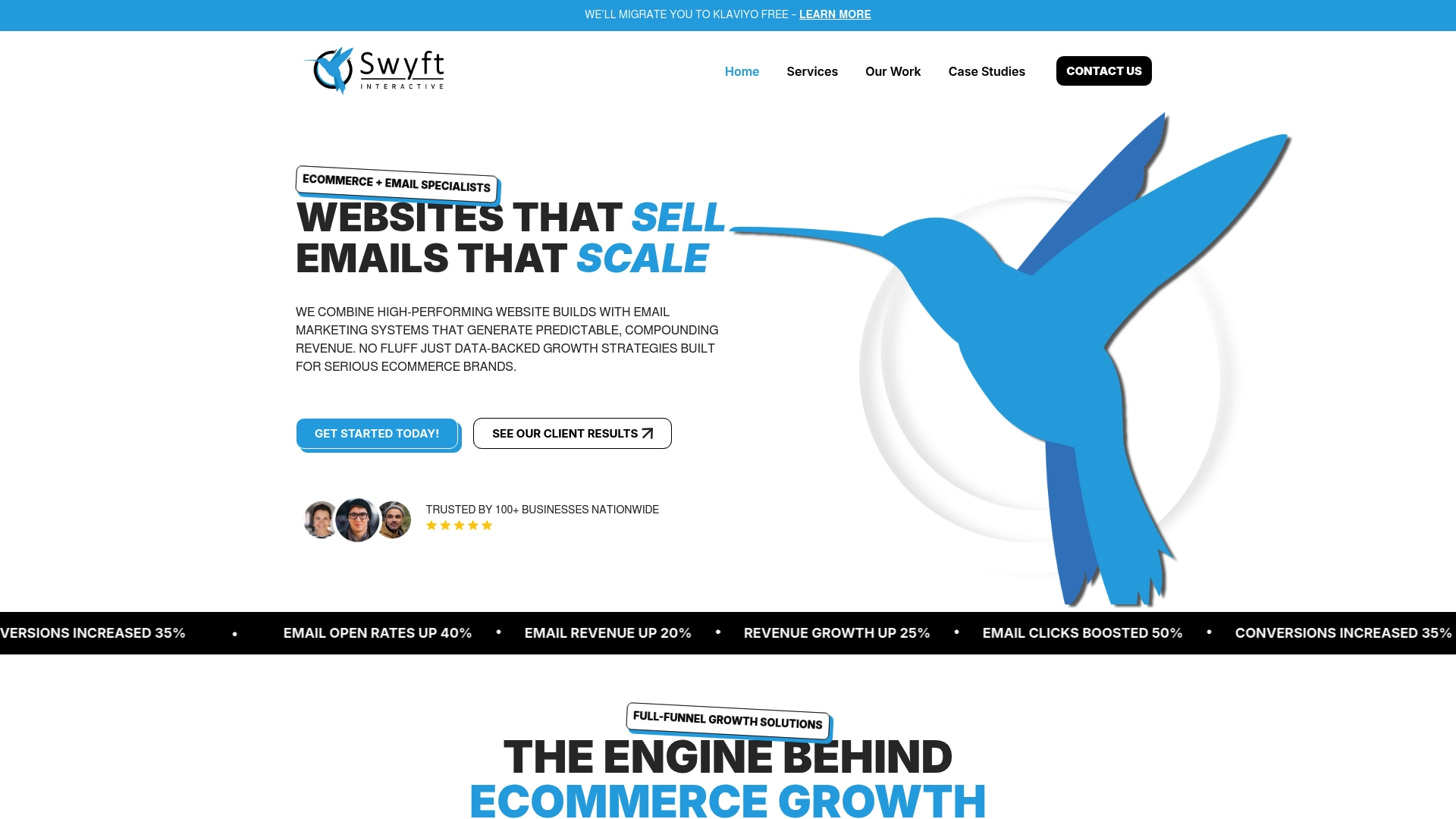
Ready to stop guessing and start growing? Visit us at Swyft Interactive to explore our Email Marketing Archives – Swyft Interactive and Digital Strategy Archives – Swyft Interactive for actionable insights. Partner with us today to automate your ecommerce success and unlock measurable revenue gains.
Frequently Asked Questions
What is order management automation, and how does it benefit eCommerce?
Order management automation streamlines the processing of orders by connecting sales directly to fulfillment operations. Implementing this can reduce fulfillment time by hours per day and improve accuracy by minimizing manual data entry errors.
How can email marketing automation improve customer engagement?
Email marketing automation enables timely, personalized communication with customers based on their behaviors and preferences. By using this approach, businesses can typically see a revenue increase of 3 to 5 times compared to standard email campaigns.
What are the key benefits of customer journey mapping in eCommerce?
Customer journey mapping allows businesses to understand every interaction customers have with their brand, unveiling pain points and opportunities for improvement. This process can lead to more personalized experiences, ultimately boosting customer satisfaction and retention.
How does inventory automation help in managing stock levels?
Inventory automation tracks stock levels in real-time, preventing overselling and stockouts. By implementing this system, businesses can ensure they always have accurate inventory visibility, potentially reducing manual count errors significantly.
What role does loyalty and upsell automation play in boosting sales?
Loyalty and upsell automation enhances customer relationships by rewarding purchases and suggesting complementary products based on buying behavior. This helps convert one-time buyers into repeat customers, potentially increasing overall revenue from existing customers.
How can analytics automation inform business decisions?
Analytics automation provides real-time insights into key performance metrics, allowing managers to make informed decisions quickly. By focusing your analytics efforts on the 3 to 5 metrics that directly impact revenue, you can enhance overall operational efficiency and improve profitability.